UX / PRODUCT DESIGN / 2026
Food Companion
FanDazi
A pet companion for everyday meal logging
 Read the case ↓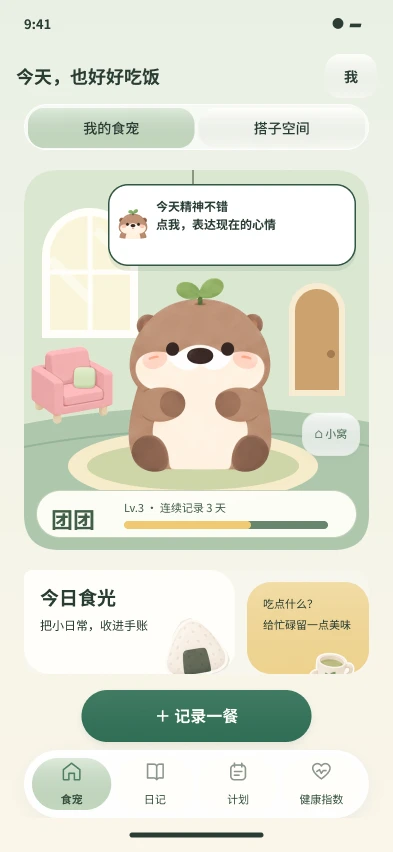
2026 / UX / Product design · Independent project
Food Companion
A meal logged. A response understood. A reason to return.
A meal-logging companion for young people who want to understand their everyday food without repetitive input and calculation. I connected photo capture, confirmation, pet responses, and diary review into a complete personal experience, with optional sharing and home-building extending it into companionship.
Research, product strategy, interaction and visual design, AI-assisted asset production, and prototype development. Main tools: Figma, Codex, Godot, and Python.
- My contribution
- Independent UX / product design: research, interaction, visuals, AI-assisted assets, and prototyping
- Project stage
- Figma design and local Godot prototype; live AI quality and cross-user experience pending validation
Research & insights
After logging one meal, what makes the next entry worthwhile?
Repetitive input
Searching, filling in, and calculating add effort to every busy day.
Opaque numbers
Nutrition data needs interpretation before it can inform the next meal.
Delayed feedback
Real change takes time; the act of logging still needs acknowledgement.
Between intent and sustained action
The report’s habit distribution suggests a need for lower effort. It does not establish that a pet-based solution works.
- Long-term habits37.4%
- Unstable, often interrupted35.5%
- Occasional attempts24.1%
- None3.0%
Health-related spending in the past year
Multiple choice · Categories do not form parts of one total
An existing landscape, with different experience priorities
I compared public product descriptions with the archived research to examine logging, interpretation, and relationship participation. These are qualitative design judgements, not rankings or claims that unreviewed features are absent.
| Product | Experience focus | Relationship participation | Design implication |
|---|---|---|---|
| MyFitnessPal ↗ | Diary, nutrition goals, analysis | Diary visibility and friend sharing | Retain structured records with less input and interpretation |
| Foodvisor ↗ | Meal tracking, tailored plans, growing a seed | Garden decoration and community encouragement | Growth is established; differentiate familiar companionship and explainable responses |
| BiteSnap | Photo logging and visual review | Relationship features not fully covered in the archived review | Use photos as an entry point for reflection |
| Boohee ↗ | Food database, logging, management plans | Community content and health experience | Structured information needs understandable responses |
| Calheal ↗ | Calories, nutrition, body-data management | Review mainly covers publicly described tracking | Separate estimates from body measurements |
| Kaimai | Meals, weight, check-ins | Archived research notes friend check-ins and encouragement | Care needs invitation, exit, and boundaries |
Source check: 11 October 2026. BiteSnap and Kaimai retain archived research observations; their latest versions were not tested and their public pages were not reliably accessible in this check. Food Companion’s proposed distinction is explainable feedback connecting personal records with optional care between familiar people.
How content becomes care
Xiaohongshu: Observe how health content is understood, saved, and forwarded as a conversation starter.
Douyin: Observe participants’ existing sharing and response habits. Shared objects such as streak characters can connect people while creating pressure to keep a streak.
Channel selection follows the research questions and participants’ contexts; no quantitative channel comparison was conducted.
5 friend pairs + 5 couples
20 people in 10 pairs, observed sharing and responding to meals in existing social contexts. The probe examined participation cues, before any evaluation of a released app.
pairs continued sharing meals during the observation period
Counted by pair, without a daily-frequency threshold, control group, or day-by-day raw records. This is neither app retention nor evidence of improved health.
- Share a meal
Use everyday life as a low-effort starting point
- Receive a response
Make the logging effort feel acknowledged
- Keep a shared object
Let pets and space hold a visible history
- Preserve choice
Make invitation, skipping, and pausing natural
Strategy & system
Three breaks lead to four principles: an easier start, clearer feedback, a non-judgemental response, and choice in relationship participation. Personal logging is complete in itself; companionship extends it.
Lightweight logging
Start with a photo; review before saving. Reduce input while retaining the user’s final say.
Understand the basis
Connect responses to specific records, explain estimates and unknowns, and offer optional next steps.
Gentle responses
Let the pet acknowledge participation. Avoid punitive absences or treating the character as a health gauge.
Voluntary companionship
Make personal use complete before inviting someone. Keep records separate and sharing under user control.
The complete loop around one entry
- 01Meal input
- 02Confirmation
- 03Pet response
- 04Record explanation
- 05Diary review
- 06Optional sharing
- 07Companionship & home accumulation
Record
Photo → candidate → confirm → local save
No diary entry before confirmation; unknown nutrition stays unknown.
Interpret
Pet home → explanation → review & planning
Separate logged from unestimated data, and character expression from body state.
Relate / optional
Invite → separate pets → optional care → home
Each person confirms their own entries; sharing does not merge data.
A journey grounded in everyday moments
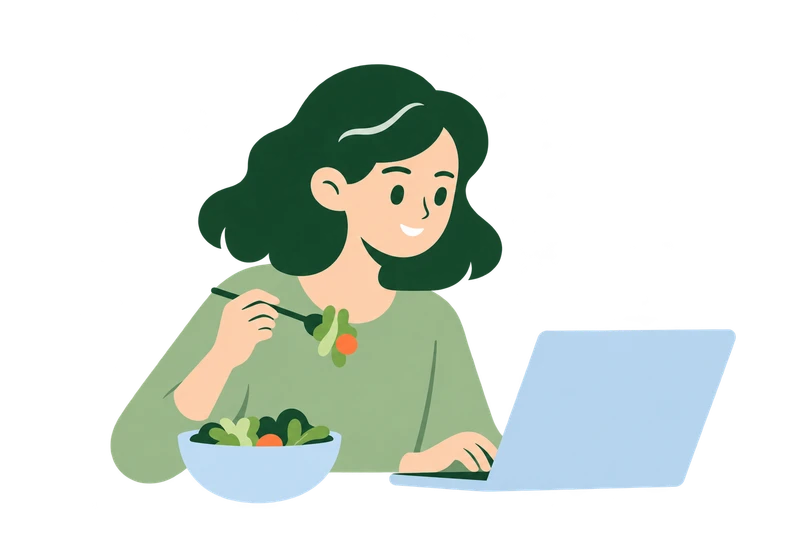 01
01A busy lunch
Start one entry
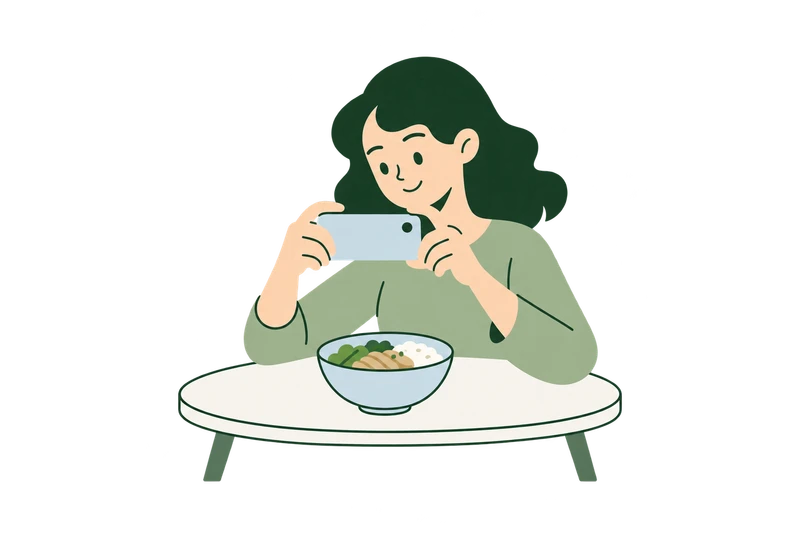 02
02Capture / import
Use a photo instead of repeated input
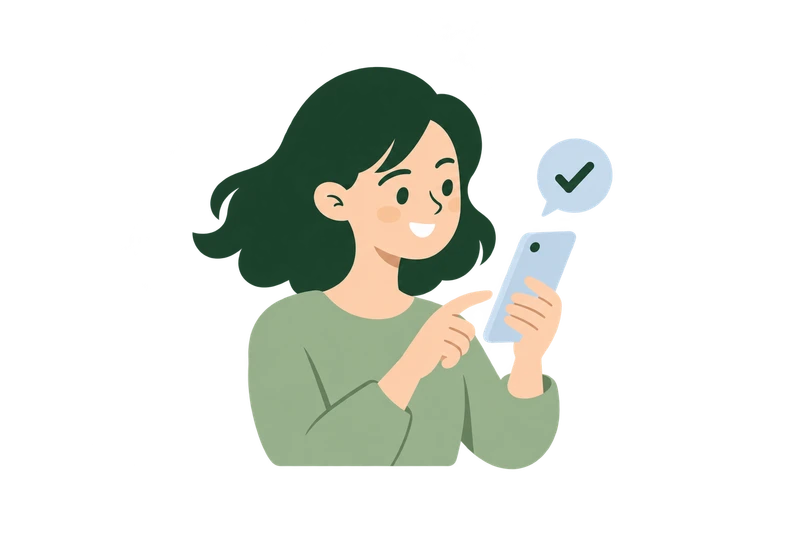 03
03Review and save
Correct title, meal type, and portion
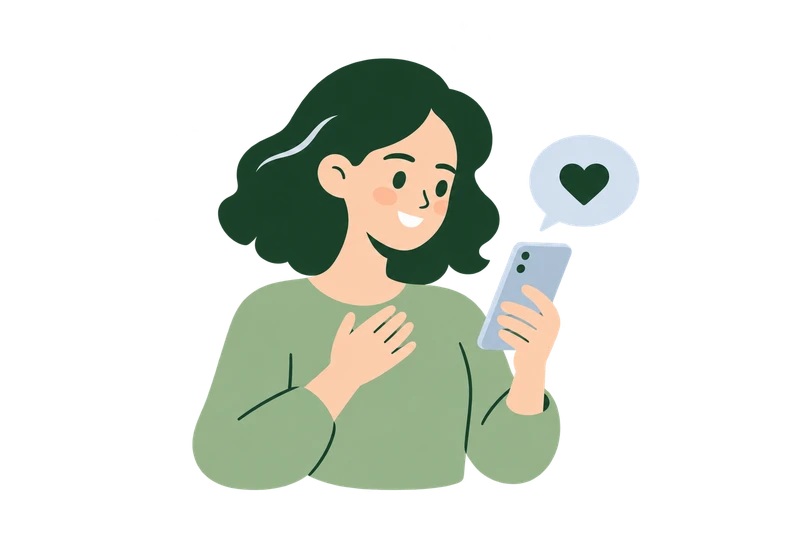 04
04Understand the response
Inspect the confirmed-record basis
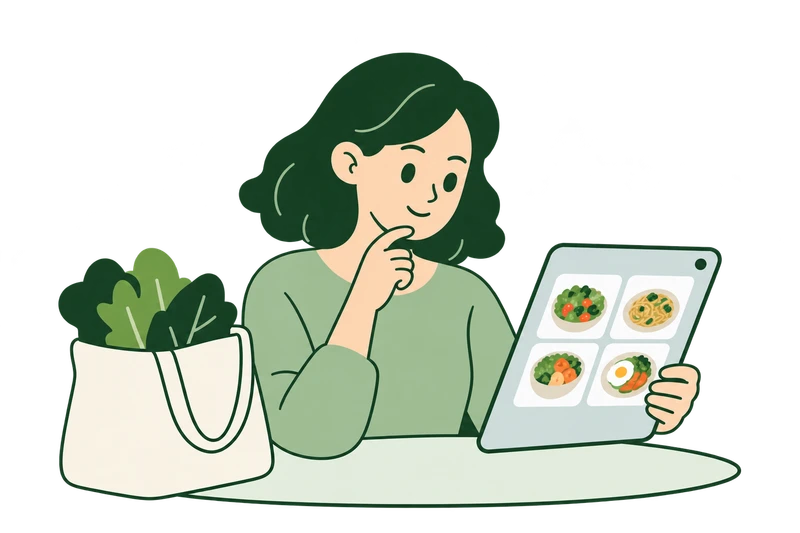 05
05Diary and collection
Reflect and consider the next meal
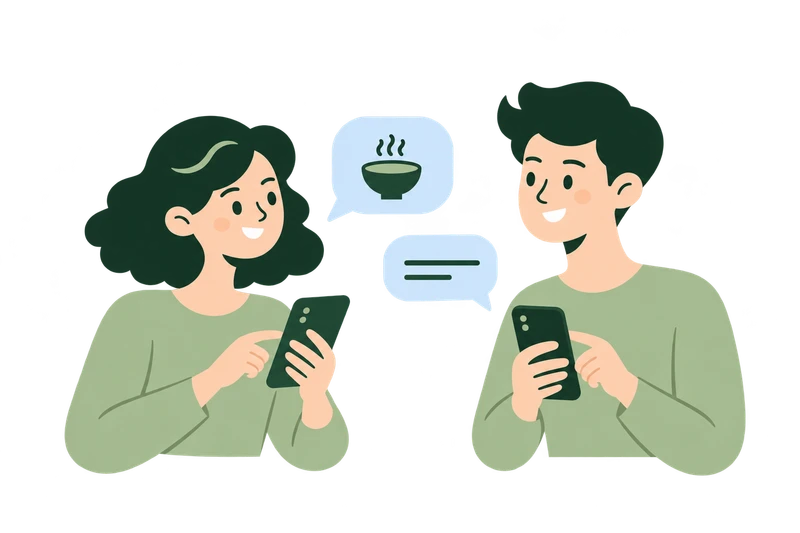 06
06Optional sharing
Invite someone and build a shared history
The journey describes research-informed scenarios and intended experiences, rather than measured satisfaction or an emotional score.
Logging & collecting
Less effort to log; the final confirmation stays with the user.
Start with one meal
Take or import a photo, with photo-only logging available. The camera is simulated; file import is implemented in the local prototype.
Original Figma UI · Enlarge to read the complete screen
Review candidates
Recognition first enters a review screen. The user checks the title, meal type, and portion before saving.
Original Figma UI · Enlarge to read the complete screen
Adjust the portion
Simple choices correct portions without repeating the entry. Godot supports title, meal-type, and portion edits; full ingredient editing remains incomplete.
Original Figma UI · Enlarge to read the complete screen
Save after confirmation
A completion response acknowledges the action. Figma includes an automatic return; Godot uses a return button. This behaviour still needs alignment.
Original Figma UI · Enlarge to read the complete screen
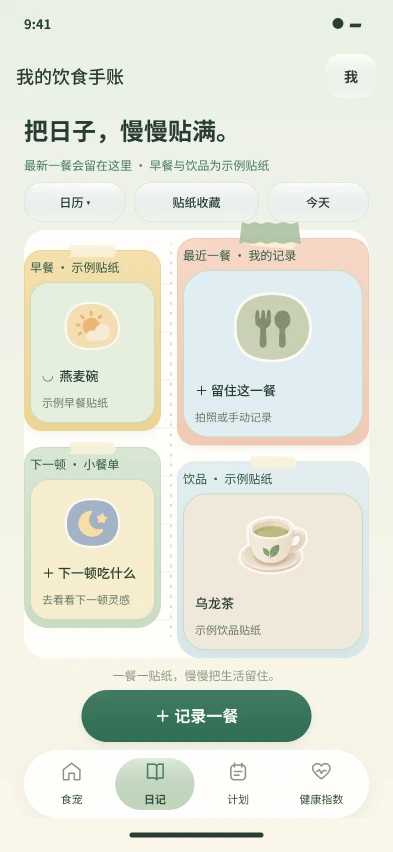
Return to the diary
Meals leave a dated history. The local prototype stores photos and records; missing nutrition is labelled unestimated rather than replaced with zero.
Original Figma UI · Enlarge to read the complete screen
Collect the meal
Stickers turn recurring entries into a visible collection. Screens and artwork exist; generation quality from real photos still requires live-service evaluation.
Original Figma UI · Enlarge to read the complete screen
Recognition proposes; confirmation records
A photo reduces input but cannot guarantee correct food or portions. Review comes before saving, with correction available and photo-plus-text logging retained when AI is unavailable.
This connects completing an entry with receiving an understandable response: diary history, collectible stickers, and an optional next-meal plan.


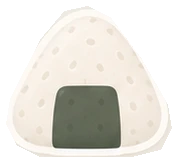

Existing style assets, not results of a live recognition or sticker-generation test.
Pets & companionship
The pet first acknowledges individual participation, then extends care to a willing companion. Each person has their own pet and records. A shared space connects people without confirming entries for them or merging body data.
Four expressive directions need an understandable basis

Energy
Activity and rest in the character, not inferred human fatigue.
Satiety
A post-meal expression; actual fullness requires self-report.

Digestion
A proposed post-meal rhythm; mapping rules remain unvalidated.

Sleep
An evening rest cue, not an assessment of sleep quality.
These pair expressive directions with existing artwork; they are not four validated physiological mappings.
Explain the response
For example, a confirmed evening drink and time can prompt a designed rest cue, with its record basis and optional next step. A sleepy-looking character does not mean the system has diagnosed insomnia.
Mood is expressed by the user. Missing entries are not automatically interpreted as sadness, anxiety, or poor health.
Home & furniture
Let continued participation leave a place behind.
Make participation visible
Daily participation leads to furniture accumulation, with unlock conditions in the catalogue. Simulated days test the reward path, rather than long-term retention.
Original Figma UI · Enlarge to read the complete screen
Claim a reward
Turn completion into an object that can be placed. Claimed furniture remains owned even if simulated days decrease.
Original Figma UI · Enlarge to read the complete screen
Browse the catalogue
A 32-item catalogue connects ownership, the next reward, and longer-term goals. The prototype starts with two items and can simulate claiming the remaining 30.
Original Figma UI · Enlarge to read the complete screen
Arrange and resize
Actual Godot capture: move, resize, layer, and put away furniture. Edit mode temporarily hides the pet to reduce occlusion.
Archived Godot capture · Local interactive prototype
Save and return home
Drafts are separate from saved layouts; cancelling preserves the previous arrangement. My Home and Partner Home are two local layouts, with cross-account sync still pending.
Archived Godot capture · Local interactive prototype
32 furniture assets, one soft visual language
Eight selected assets from the 32-item catalogue, checked against the engineering map. Some Figma category labels still differ from the runtime prototype.
Visible accumulation
Make the next object visible; interruption does not erase ownership.
Recoverable actions
Pair drag, resize, layer, and put-away actions with save and cancel.
Long-term experience to test
Do rewards make logging easier, or introduce new check-in pressure?
AI-assisted workflow
Design judgement runs through the process; AI helps turn decisions into inspectable outputs.
This chapter explains how I used AI in asset production and implementation. Food recognition, nutrition processing, and sticker generation inside the app are a separate product layer whose live results still require validation.
- 01 / Human-ledDefine direction
Problem, research, rules, architecture, visual constraints
- 02 / AI assistance + human judgementProduce and refine
Prompt → generate → select and correct → consistent assets
- 03 / Figma → Codex → GodotImplement interaction
Screens → scenes / components → scripts → local prototype
- 04 / Human review + automated checksCheck and iterate
Runtime comparison → diagnose → revise → regression check
Define what matters, then what counts as a good result
I defined confirmation-before-recording, explainable responses, and optional sharing, then organised the record, interpretation, and relationship layers. AI did not replace research conclusions, hierarchy, or final visual judgement.
Cream and muted green unify flat scenario illustrations, the soft pet, and furniture. A large head, short body, cream muzzle, dark nose and paws, peach cheeks, and two green leaves maintain recognition.
- Design input
- Research breaks and relationship boundaries
- Inspectable output
- Flows, UI states, components, and asset constraints
From generated output to consistent product assets
The archive retains illustration prompts, initial outputs, and eye-style revisions. I set constraints, selected usable results, and checked that local changes preserved composition, colour, and character recognition.
“muted forest green #527B64, sage #CFDCC6, mist blue #DDEAF0, warm cream and peach skin”
Revision constraint: solid dark-green vertical oval eyes; no sclera, highlights, or eyelashes. From assets_v8/prompts_final.json.
- Constrain
Proportions, style, colour, alpha edges
- Generate
Specify the scene and purpose
- Select and revise
Preserve composition; fix inconsistencies
- Organise and integrate
Name, check dimensions, reuse in UI
From visual states to running interaction
I defined screens and states in Figma, then used Codex to help build Godot scenes, reusable components, and scripts. The central question shifted from visual similarity to consistent input, confirmation, persistence, and recovery.
Update the same entry without double-counting
	var updated := records.filter(func(item): return item.id != id)
	updated.push_front(saved)
	if not write_records(updated): return false
	records = updated
	last_saved = saved.duplicate(true)
	view.record = saved
	app.show_page("165:1510" if planned else "165:1308")
	return true
Original excerpt. Filter and update by existing id; update memory and navigate only after writing succeeds.
Pages & components
main.gd / surface.gdRouting, history, overlays, native Control layout
Meal data chain
food_view.gd / food_flow.gdFile import, confirmation, persistence, summaries
Spatial editing
room_editor.gd / room_canvas.gdDragging, scaling, layers, drafts, recovery
The archive supplies Figma exports, scene and script files, and runtime captures. It does not include a separate editor-operation capture; no simulated editor image is substituted.
Check the prototype against state and data boundaries
Logging without AI
Issue: a missing estimate can be mistaken for zero. Change: retain photo_only and label it unestimated. Check: import, save, and reload without fabricated nutrition.
No duplicate totals
Issue: edits can become duplicate entries. Change: update by original id. Check: archived test confirms edits do not duplicate totals.
Recoverable arrangement
Issue: drafts must not overwrite a saved space. Change: separate draft and persistent layout. Check: save/reload and all 32 furniture textures were inspected.
Archive-pack checks passed
Headless checks cover startup/navigation, 32 furniture textures, layout persistence, photo/diary reload, unestimated states, and repeated edits. Isolated demo data; live_ai=false.
Service unit tests passed
Checks cover authentication, image normalisation, numeric validation, no requests without a key, non-food handling, and sticker alpha validation. Simulated transport; no paid model calls.
Read the 49 original check names
- copied pack starts in pet home
- navigation 165:1308
- navigation 165:1510
- navigation 165:1669
- navigation 165:1833
- navigation 199:2313
- edit mode hides pet without replacing art
- synthetic day 32 claims 30 remaining furniture
- furniture texture sage-armchair
- furniture texture sage-sofa
- furniture texture paw-rug
- furniture texture coffee-table
- furniture texture arch-bookcase
- furniture texture low-cabinet
- furniture texture peach-cushion
- furniture texture pet-bed
- furniture texture bedside-table
- furniture texture blanket-basket
- furniture texture beanbag
- furniture texture drawer-chest
- furniture texture standing-mirror
- furniture texture cream-cushion
- furniture texture dining-table
- furniture texture dining-chair
- furniture texture tea-cart
- furniture texture kitchen-cabinet
- furniture texture pantry-shelf
- furniture texture fridge
- furniture texture round-tea-cart
- furniture texture snack-basket
- furniture texture trailing-plant
- furniture texture leaf-stool
- furniture texture floor-lamp
- furniture texture wall-lamp
- furniture texture curtain-window
- furniture texture leaf-art
- furniture texture wall-clock
- furniture texture wall-shelf
- furniture texture arched-door
- furniture texture corner-module
- save room arrangement
- write isolated room fixture
- room arrangement reload
- photo import has no fabricated nutrition
- save isolated photo-only diary fixture
- photo-only is explicitly unestimated
- editing record does not duplicate totals
- diary and photo reload from archive fixture
- receipt can return to room home
Source: 20261011 verification archive / archive_pack_result.json and AI_SERVICE_UNIT_TESTS.log. These checks do not establish complete manual GUI acceptance, mobile performance, live AI quality, or user outcomes.
Prototype & reflection
The project moves from product rules, screens, and assets into a local interactive prototype. Implementation makes design decisions operable and inspectable; the number of tools used is not the outcome.
| Output | Current state | Next step |
|---|---|---|
| 63 Figma frames | Includes pages, overlays, and responses. Eleven new health-journey frames are design proposals. | Align flow details and implement the new frames. |
| Local Godot prototype | 55 scenes; file import, confirmation, local diary, and furniture editing implemented. No Web deployment. | Manual page-by-page acceptance and real-device performance testing. |
| In-app AI services | Interfaces, failure handling, and unit tests exist; live recognition, estimates, and sticker quality remain unverified. | Evaluate real meals in an authorised environment, including uncertainty and failure recovery. |
| Two-person companionship | Interaction design and local layouts exist; real cross-account sync is not implemented. | Evaluate invitations, sharing boundaries, exit, and both people’s actual experience. |
Next design iteration: from a meal response to a shared plan
These Health 3.0 designs are from the latest Figma export and are not yet in the Godot prototype. Original app artwork retains Chinese; this case’s explanations, controls, and navigation are bilingual.
Is the response understood?
Check whether users distinguish character expression, estimates, and self-report, and whether they mistake a cue for a diagnosis.
Does care become pressure?
Test whether optional sharing and light care feel natural, and whether pausing and leaving are truly comfortable.
Does accumulation support return?
Evaluate the meaning of furniture and stickers in real use; the sharing probe cannot substitute for retention testing.
Make an entry feel acknowledged, while keeping the user in control.
This case uses actual screens, assets, and runtime captures from the latest archive. Anonymous access to the Figma prototype and public repository was verified on 11 October 2026. Godot remains a local prototype with no Web release.
Explore more
Back to all work
The Big Bang Stigma
Read case studyTranslating research on illness stigma into an interactive journey through identity, recruitment, and livestream performance.

Blind Dating Market Festival
Read case studySix connected scenes explore how self-presentation, conditional matching, and social judgement shape intimate relationships.